Copying Tasks Types
You can copy Task Types across your Celonis Platform instance to another team, space, and package.
In Studio, next to your package, click the More Actions button and select Task Management.

Next to the Task Type you want to copy, select More option (three dots) > Copy to.
If there are any major errors with your Task Types, you won’t be able to copy them until you resolve the issues. For common errors with Task Types and their solutions, see Troubleshooting Task Types.
Select details of the new location of your Task Types:
Teams
Space
Package(optional)
Task Type name
Review Task Types dependencies.
There might be assets on which your Task Types depend in a given package. Copying them to another location might break that relation and make Task Types unusable.
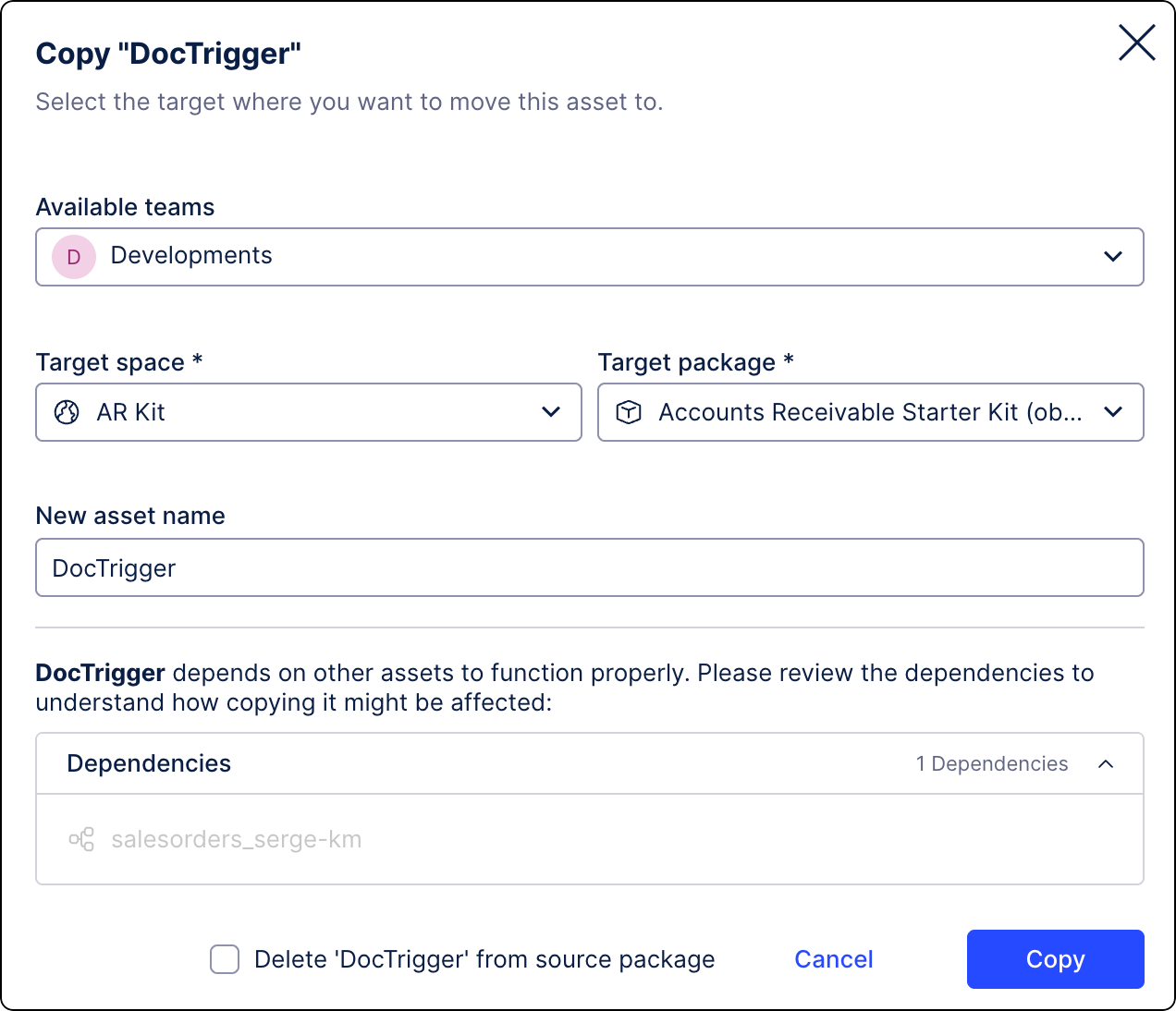
(optional) Delete Task Types from the source package.
Click Copy.
Your Task Types are now copied and ready to be used in the target location.