Creating custom transformations for objects and events
Map raw or pre-processed source data directly to specific object types or event activities within the Object-Centric Data Model (OCDM) semantic layer using custom CeloSQL scripts.
Object and event transformations define the runtime mapping logic for your business entities and process activities. Unlike standalone table transformations, which physically materialize data in the database, these transformations map data fields directly to attributes in the semantic layer.
For an Analytics Engineer, mapping directly to objects and events is ideal for localized logic, direct 1:1 data routing, and establishing exact activity timelines. This development environment allows you to:
Accelerate development with AI: Use the built-in Code Assistant to automatically generate initial SQL mappings based on your source system (such as SAP or Oracle) and target attribute context.
Parameterize queries: Implement global parameters, local script parameters, or specific data connection overrides to dynamically adjust script execution across different environments.
Control mapping scope: Build full or partial overwrite scripts, or utilize extension scripts to safely append custom attributes to existing Celonis Catalog objects without modifying standard definitions.
To create custom transformations for either objects or events using the Objects and Events dashboard:
Click Transformations.
Click Create and select either objects or events.
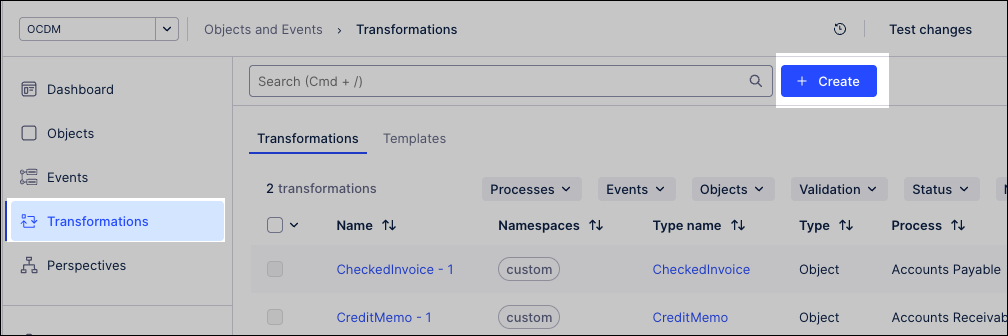
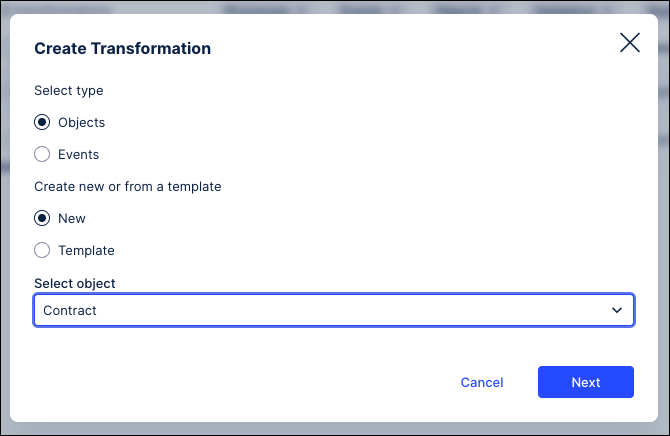
Select create new or start from a template.
Select the object to create the transformation for and then click Next.
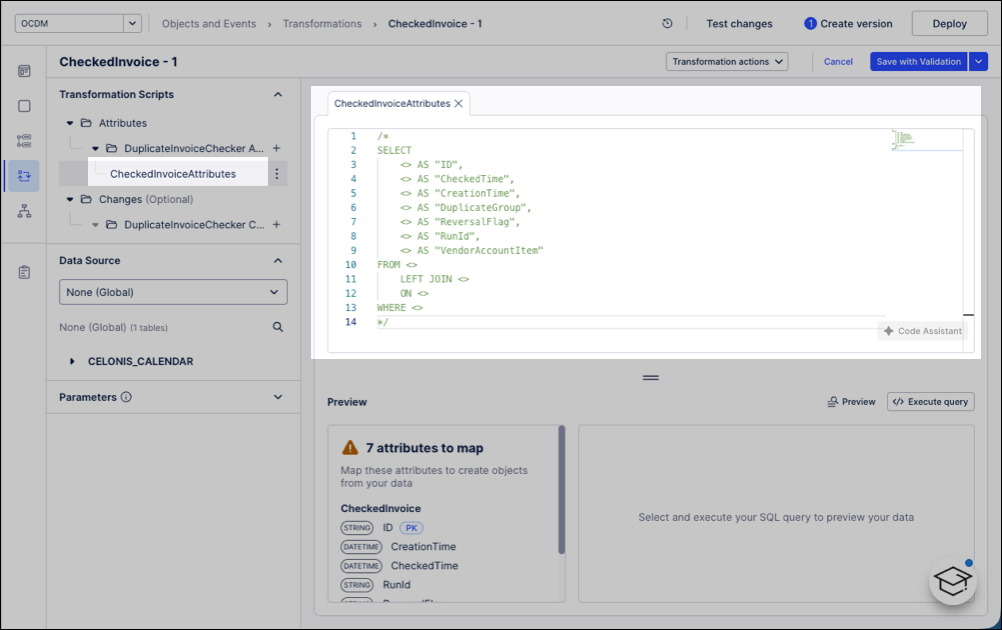
In the SQL editor, select the transformation you want to edit.
Celonis transformations can’t be renamed.
Custom transformations are given an autogenerated name.
Code Assistant for SAP and Oracle data connections
For SAP ECC, S/4 or Oracle EBS/Fusion sources, click Code Assistant to quickly generate an initial transformation script with the AI-powered Transformation Assistant. It uses object, attribute, and source system context to create a custom script you can refine. All transformation types are supported except relationship transformations, and it works with both custom objects/events and Celonis catalog extensions.
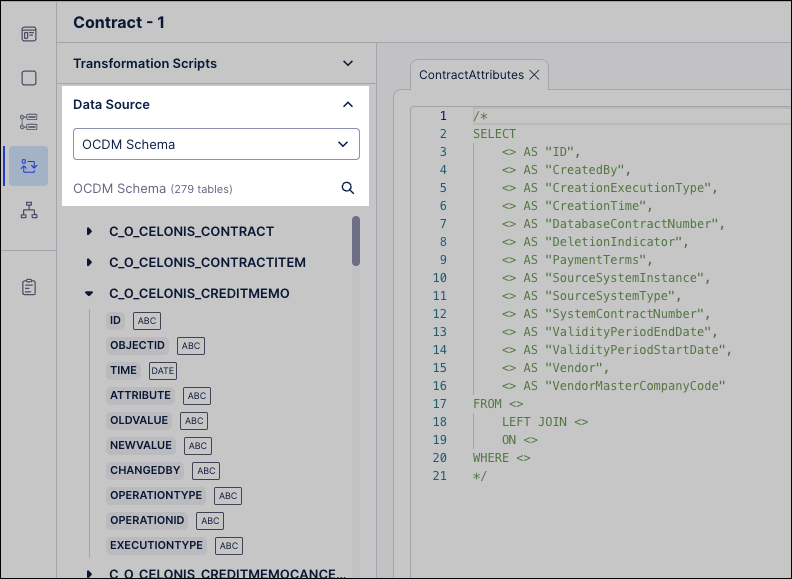
Data source: Select the main data source for the business data in the Data source section. Queries run on this data source unless a data connection parameter is used.
Parameters: If applicable, set values for any local parameters used in the transformation:
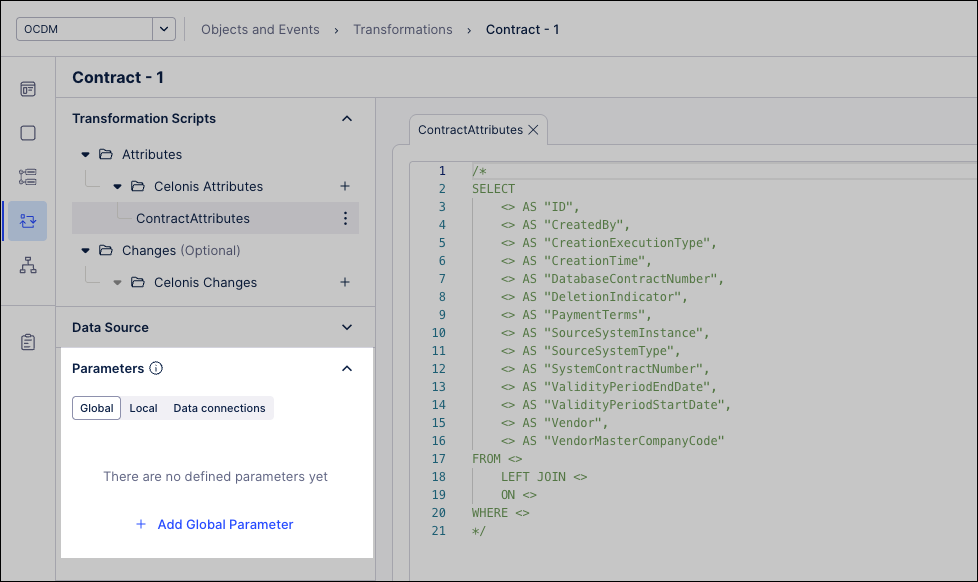
Global parameters: belong to the workspace. You supply their values in the transformation editor.
Local parameters: belong to your script. You supply their values in the transformation editor.
Data connections: are specific data connections in the data pool. They override the default data source for the transformation.
Script: If applicable, add a custom script or overwrite script (partial or full).
Only one overwrite per script type is allowed.
Extension scripts must populate all custom attributes or relationships for an object.
Each script opens with a generated SQL template. Remove comments and build a
SELECTstatement that maps source columns to target attributes.Ensure object and event IDs are unique.
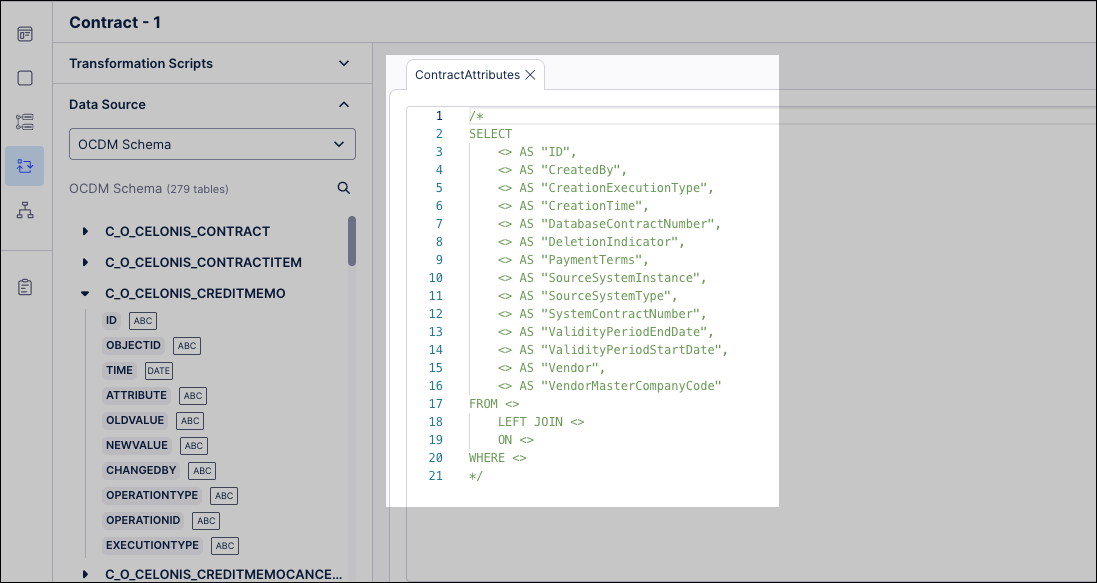
Validate script: Use the Preview pane to see required attributes and key types.
Insert source columns using the Data Source explorer.
Use
NULLfor unmapped attributes and double quotes for source column names if needed.
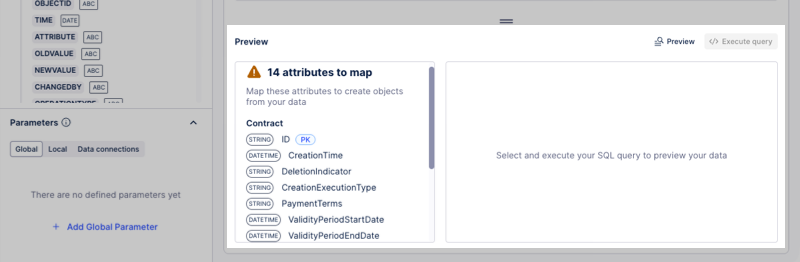
After reviewing your script, click Save or Save with validation:
Save: Allows you to return to configure the transformation later.
Save with validation: Only validated transformations run as part of data jobs.
After creating a custom validation, you may want to deploy this latest version to development or product. See: Versioning and deploying OCDM.
After deploying custom transformations, you need to run them to create or update objects and events. Running is also required whenever you add new attributes or relationships, ensuring your data stays up to date. See: