On-premises clients (OPC)
Celonis on-premises clients (OPC) offer a secure way to extract data from external source systems and selectively access on-premises apps to perform predetermined actions. The OPC are a successor to our uplink-based extractors, providing a cloud based service that's a reliable and scalable method of connecting to your source systems.
Existing on-prem extractors
Celonis is fully deprecating and discontinuing support for the SAP on-premise extractor (OPE) by the end of December 2026. To ensure continuity of data flow, all customers using OPE must migrate to the modern On-Premise Client (OPC) by that day.
Upgrading application-key-based OPC
We're decommissioning API and application keys and replacing them with OAuth 2.0 across Celonis Platform by the end of 2026. See BREAKING ADMIN Decommissioning API and application keys: Action required.
ll existing application-key-based OPC will continue to work until December 30, 2026. To learn how to migrate from application-key-based OPC to OAuth-based OPC, see How do I migrate from app-key-based to OAuth-based OPC?.
Benefits of using OPC
While your existing uplink extractor configurations are valid, we recommend switching to our OPC for the following reasons:
Improved reliability and scalability: With the processing of data being cloud based, the OPC service is quicker, more reliable, and has the ability to scale based on your demand.
Simplified setup: The same SAP connection can be used for both the SAP extractor and for the process automation, simplifying the setup considerably. In addition to this, Microsoft Visual C++ 2010 is no longer required.
Cloud updates: After installing the client (which acts as a passive mediator and carries no logic), orchestration and processing are managed by a cloud service. This means that in most cases, updates or fixes are cloud-based and are run by Celonis.
Migrating to OPC from uplink extractors
As on-premises clients are a new service, you need to configure them independently from your existing uplink extractors. We recommend that you keep your uplink extractors running while doing this configuration, allowing you to switch when you are confident that they are working as expected.
For effective data extraction from SAP, on-prem clients require the RFC module 3.6 or later. If you're already using the RFC, make sure to update it accordingly.
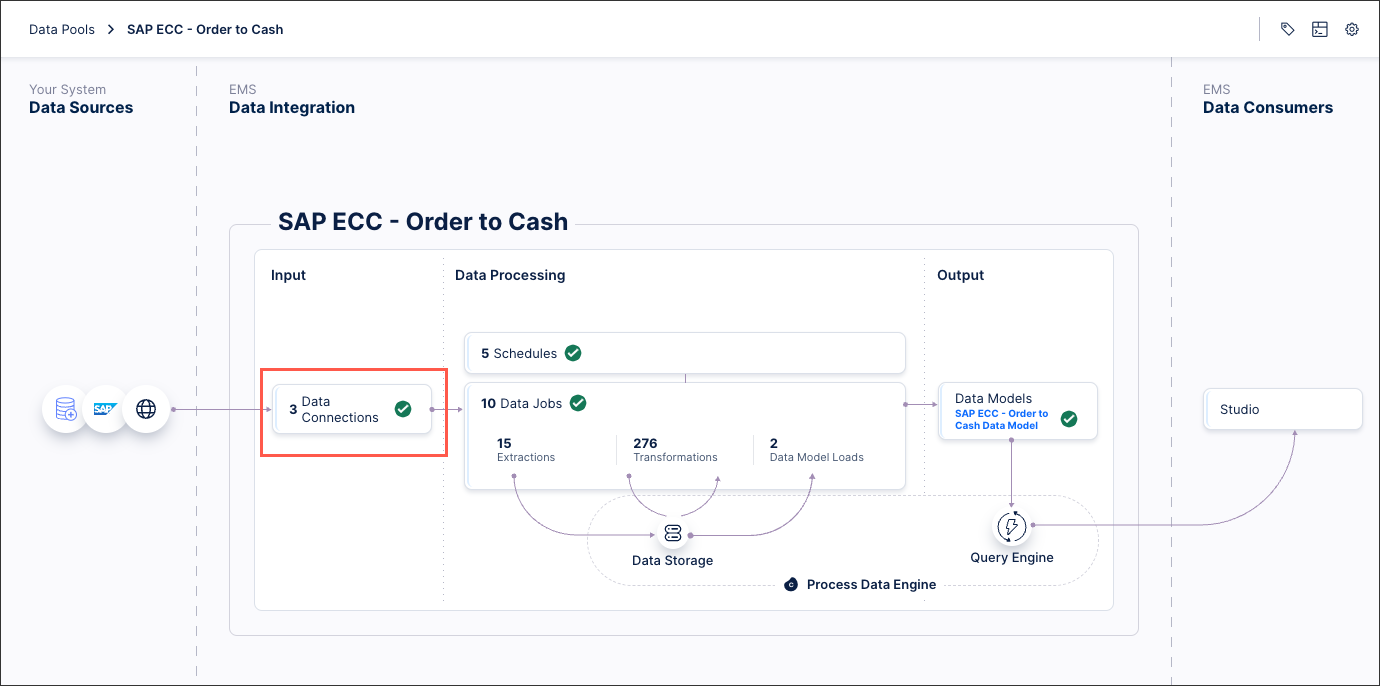
Once your OPC is running, you can switch the Data Connection in your data pools.
 |
Your uplink extractors can then be removed by uninstalling the Windows or Linux service.
Further OPC information
For more information about the Celonis OPC:
For an overview of OPC and their architecture, see: IT architecture overview.
For installation guides, see: Installing.
For frequently asked questions about OPC installation and configuration, see: FAQ.
And for troubleshooting your OPC, see: Troubleshooting.