Accessing your download portal
The Download Portal is a centralized location where admins and analysts can download the latest versions of various Celonis on-premise assets.
The following assets and their release notes are hosted in the Download Portal:
Extractor for SAP ECC and S/4 HANA (RFC Module and Extractor agent)
JDBC Extractor packages for databases
Python Extractor package
Kafka EMS sink connector
Celonis on-prem Agent for automation
CDS Views for S/4 HANA Public Cloud
To access the download portal, you need to be an admin or analyst in your team and hold the following permissions:
MANAGE DOWNLOAD PORTAL
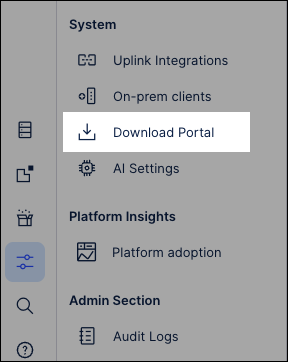
The Download Portal is available from the Admin & Settings area of your Celonis Platform team.
To access your Download Portal.
Click Admin & Settings.
Click Download Portal.