Creating a target model
After creating a baseline model, the next step is to create a target model to compare it to. This allows you to pinpoint events and variations from the baseline model, thereby letting you see where the potential problems are. Think of the baseline model as representing your process "as-is", while the target model represents your process as you would like it to be.
Before you begin, ensure you have completed the following steps or meet the requirements listed below:
Created or imported a baseline model
Refined the baseline model for unmapped or wrongly-ordered events
To create a target model, follow these steps:
Click Save and Continue.
Your target model is created and displays in Edit Mode.
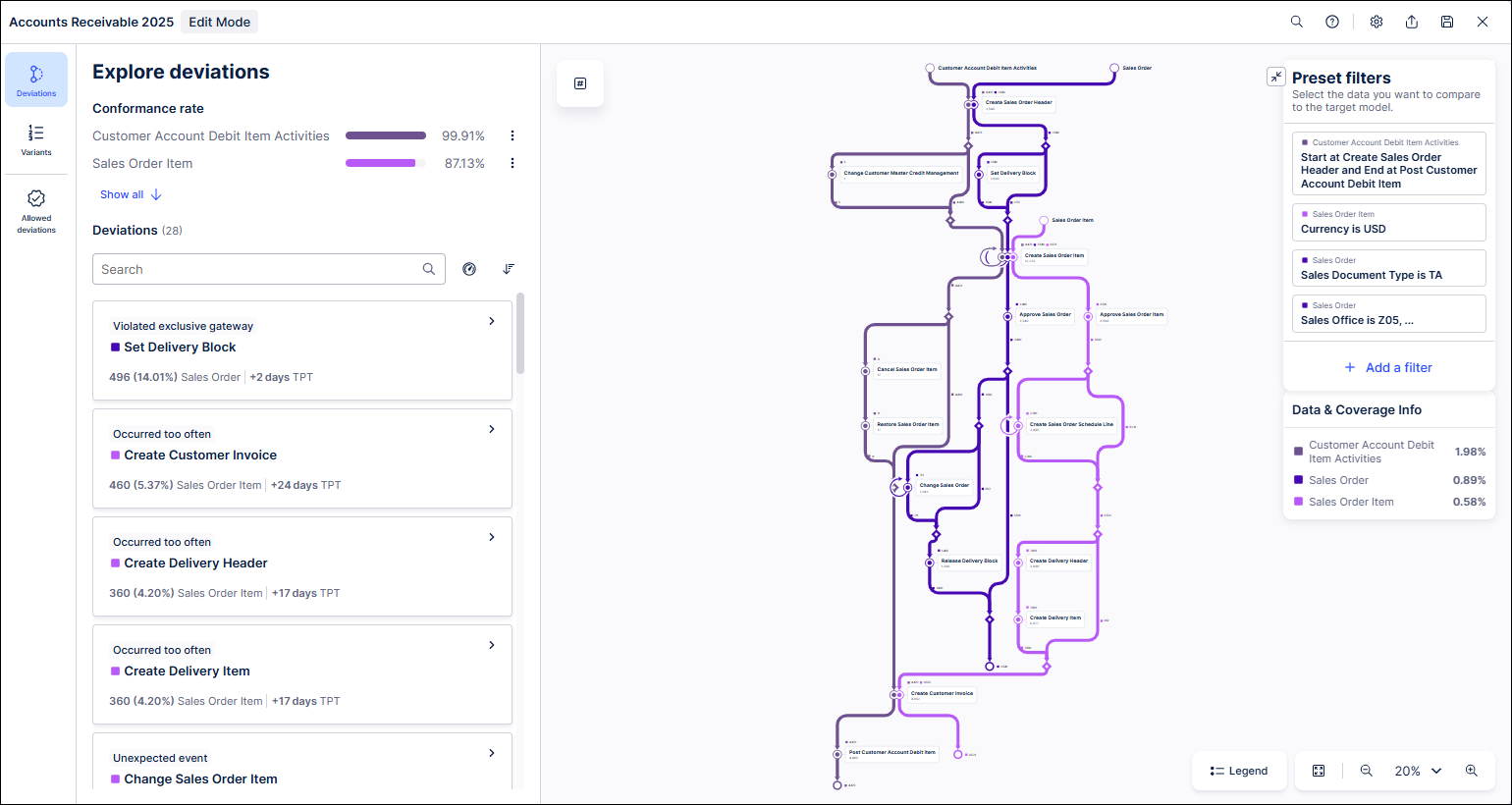
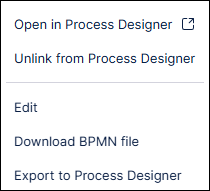
If you created your target model by importing a BPMN file from Process Designer, you can still open and view it any any time in Process Designer. You can also export your target model from PAM to Process Designer at any time regardless of how it was created. For more information, see Exporting BPMN models from Process Adherence Manager.
To work with a target model from Process Designer, follow these steps:
Open a target model you created by importing a BPMN file from Process Designer in Edit mode.
Click the triple-dot icon.
A menu appears.
Select Open in Process Designer.