Setting an identifier for tables within a data model
Identifiers allow you to identify unique rows in each table, enabling you to merge the deltas to the existing and loaded data model. You must set identifiers for every table within your data model.
For data models created from process connectors, you may find that the identifier has already been set as part of the guided configuration. You can edit or update identifiers using the same steps below if needed.
To set identifiers from your data pool diagram:
Click Data Models.
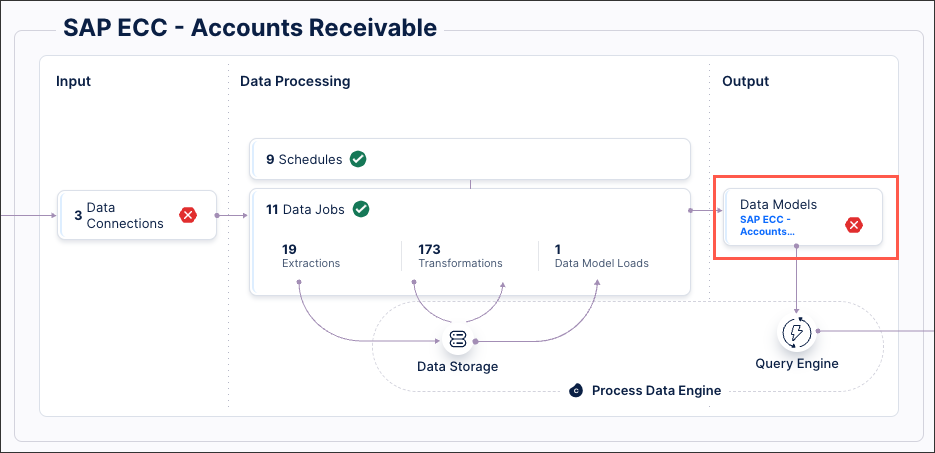
Select the data model you want to use for delta loads, opening the data model diagram.
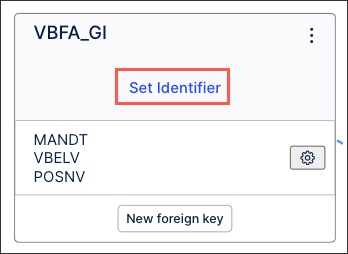
For each database table, click Set Identifier.
Select the identifier(s) you want to use for this table:
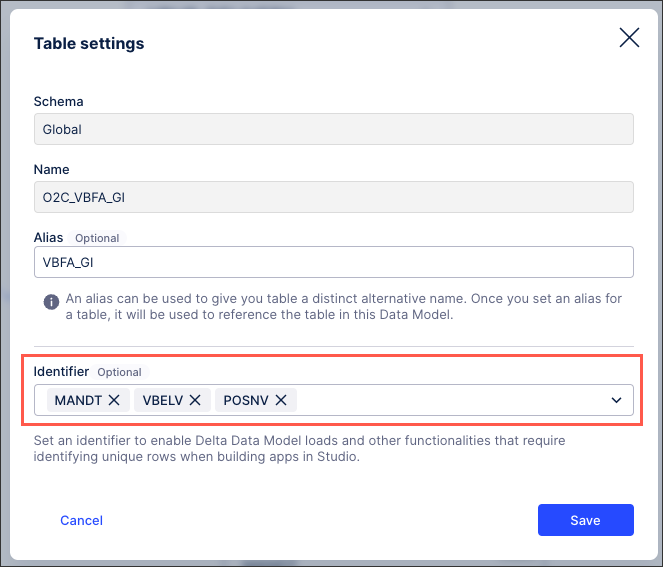
Click Save.
The identifier(s) are now configured for this table, with the key icon indicating this in the data model diagram:
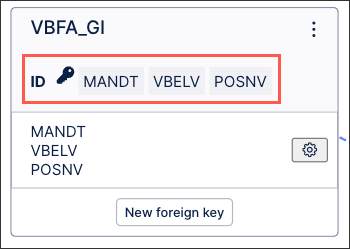
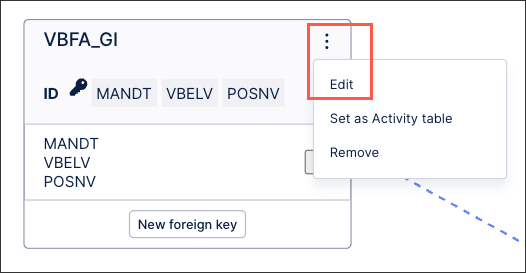
You can edit existing identifiers from your data model diagram by clicking Options - Edit:
 |