Testing Process Orchestration
Testing your Process Orchestration allows you to simulate the end-to-end orchestration workflow before deploying it to production. You can run a test orchestration directly from the process orchestration builder by providing a test JSON payload to it.
In your Process Orchestration builder, toggle the Test button at the top.
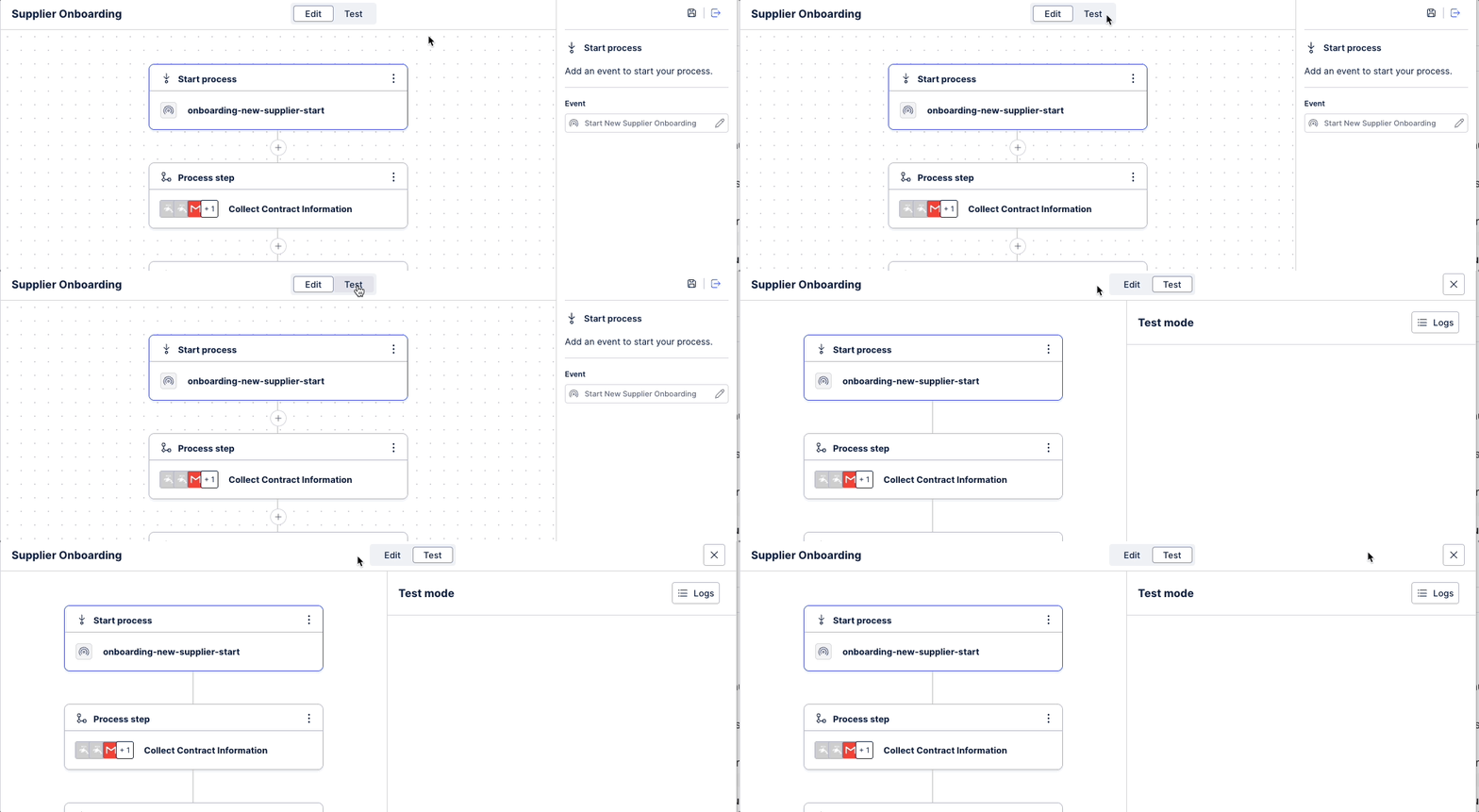
Click Start a new test.
In the Test process screen, supply a sample JSON payload, like a dummy purchase order number or instance data, to stimulate the data coming from the trigger event.
Click Run.
Your JSON payload is fed into the orchestration and goes through all of its steps. Check the test panel for the outcome of your testing and the status of your orchestration. Here, you can review the event logs to examine the executed action. For subsequent process steps, you can inspect the detailed input, output, and completion event logs.