List Form Submission (Action Flow)
The List Form Submission Action Flow module allows you to gather all submissions for a given Form in a single, comprehensive overview. It allows you to instantly audit submitted data and filter results by assignee, driving accountability and smarter task management.
Before you begin
If you want to use the OAuth connection method for your Action Flow, your OAuth client must have the following scopes assigned to it:
knowledge-models:read
For more information see, Registering your OAuth client.
To configure this Action Flow module:
In Studio, go to your package and click New asset > Action Flow.
Click Add module and from the list select Celonis > List Form Submission.
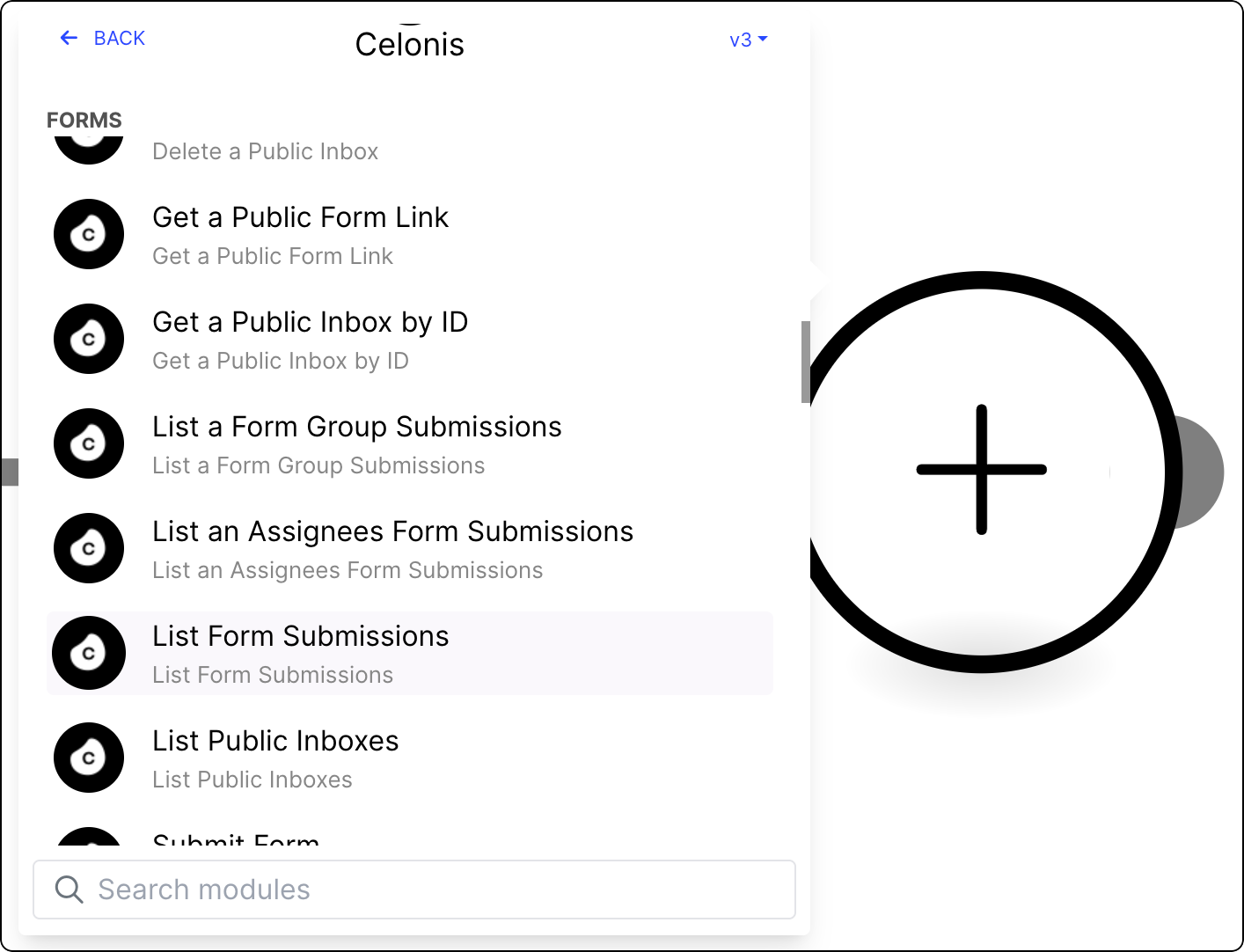
Select from existing OAuth 2.0 connections, or create a new one. See Registering your OAuth client.
Provide the following values:
Value
Description
Form key
The key of the Form for which you want to generate a report.
Sort order
The order in which the data in the report will be organized.
From
Filter submission to include those submitted after the specified Date
To
Filter submission to include those submitted to the specified Date
Limit
Set a limit for the maximum number of returned results.
Click Save.
To make the Action Flow operational, version and deploy the package the module is in. See Versioning and deploying packages.
Your Action Flow is ready. Run it once to see the output with all the data submitted in Forms you selected.