Starting and resuming Process Orchestration from the command line
You can start and resume your Process Orchestrations in your command prompt with the cURL commands.
Before you begin
All API calls require OAuth 2.0 authentication tokens. To get one:
Create an OAuth 2.0 application in Celonis Platform. See Adding OAuth client to Celonis Platform.
To allow for communication with Orchestration Engine, make sure your OAuth 2.0 application has the
orchestration-enginescope assigned. Scopes can be assigned during the creation of a new application. For existing applications, you can edit them to add necessary scopes.
Starting Process Orchestration with command line
To initialize and start a new instance of Process Orchestration, run the following cURL command:
curl -X POST "https://<yours_celonis_instance>.cloud/oe/api/packages/{PackageKey}/signals \
  -H "Authorization: Bearer {access_token}" \
  -H "ce-type: {eventType}" \
  -H "Content-Type: application/json" \
  -d '{
    "mykey": "myvalue"
  }'
where:
PackageKey - unique identifier of the Studio package where your Process Orchestration is.
Authorization - information about your OAuth 2.0 access token
ce-type - the name of the event which is supposed to start Process Orchestration.
Resuming Process Orchestration with command line
Run the following cURL command:
curl -X POST "https://oe-migrations.try.celonis.cloud/oe/api/packages/{PackageKey}/{messages}" \
  -H "Authorization: Bearer {access_token}" \
  -H "ce-type: {eventType}" \
  -H "ce-instanceid: {instanceId}" \
  -H "Content-Type: application/json" \
  -d '{
    "mykey": "myvalue"
  }'
where:
PackageKey - unique identifier of the Studio package where your Process Orchestration is.
Authorization - information about your OAuth 2.0 access token.
ce-type - the name of the event from which the Process Orchestration is supposed to resume.
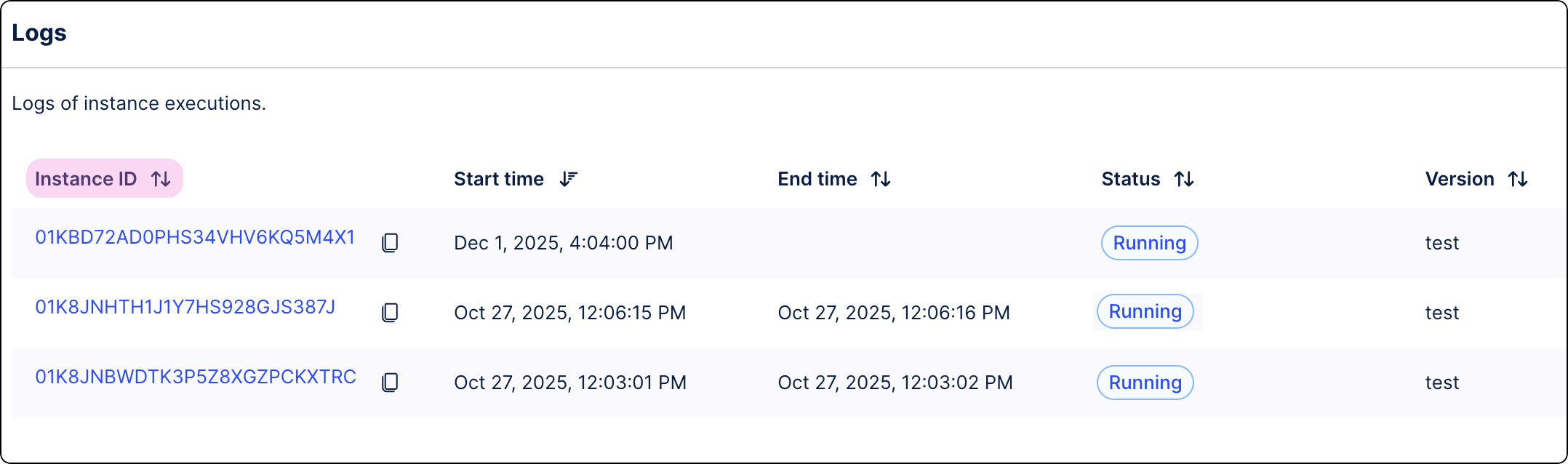
ce-instanceid - the ID of the Process Orchestration instance you want to resume. You can find the ID in Proce Orchestration logs.